Physical Address
304 North Cardinal St.
Dorchester Center, MA 02124
Physical Address
304 North Cardinal St.
Dorchester Center, MA 02124

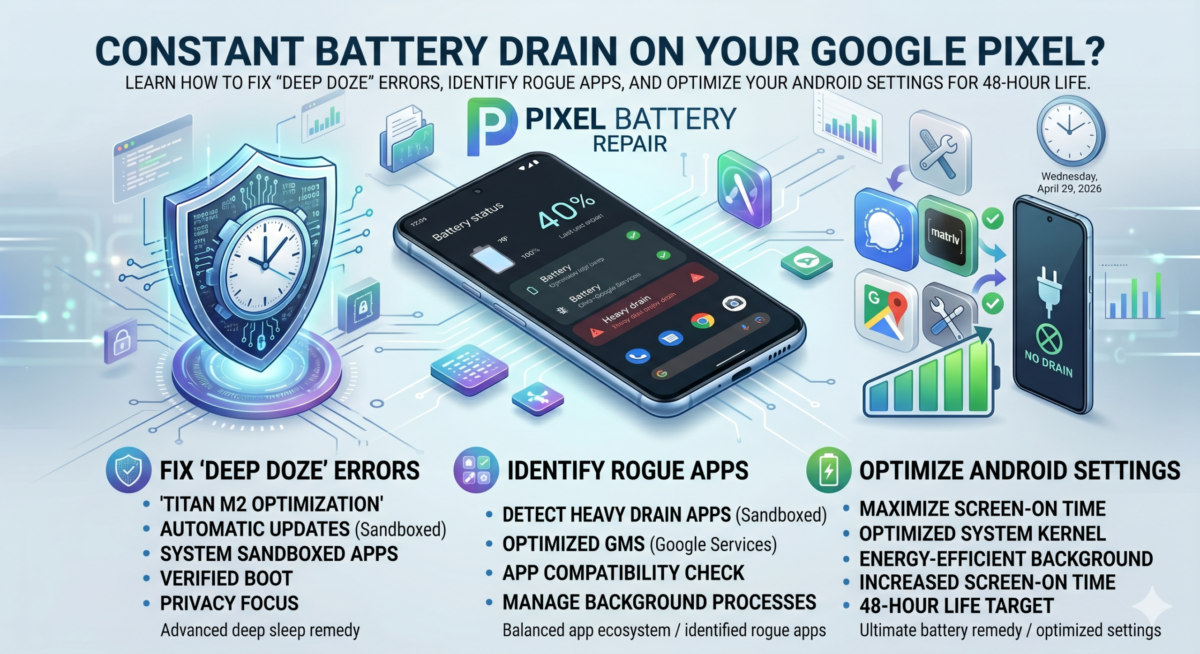
Whether it’s the April update bug or just typical background bloat, Pixel users often struggle with standby drain. Here is our evergreen checklist to reclaim your battery life.
If your phone loses more than 5% battery overnight in Airplane Mode, your CPU isn’t sleeping. Check Settings > Battery > Battery Usage to see if “System” is the primary consumer.
Modern Android allows you to manually restrict apps. We recommend setting social media and news apps to “Restricted” background usage to prevent unnecessary pings.