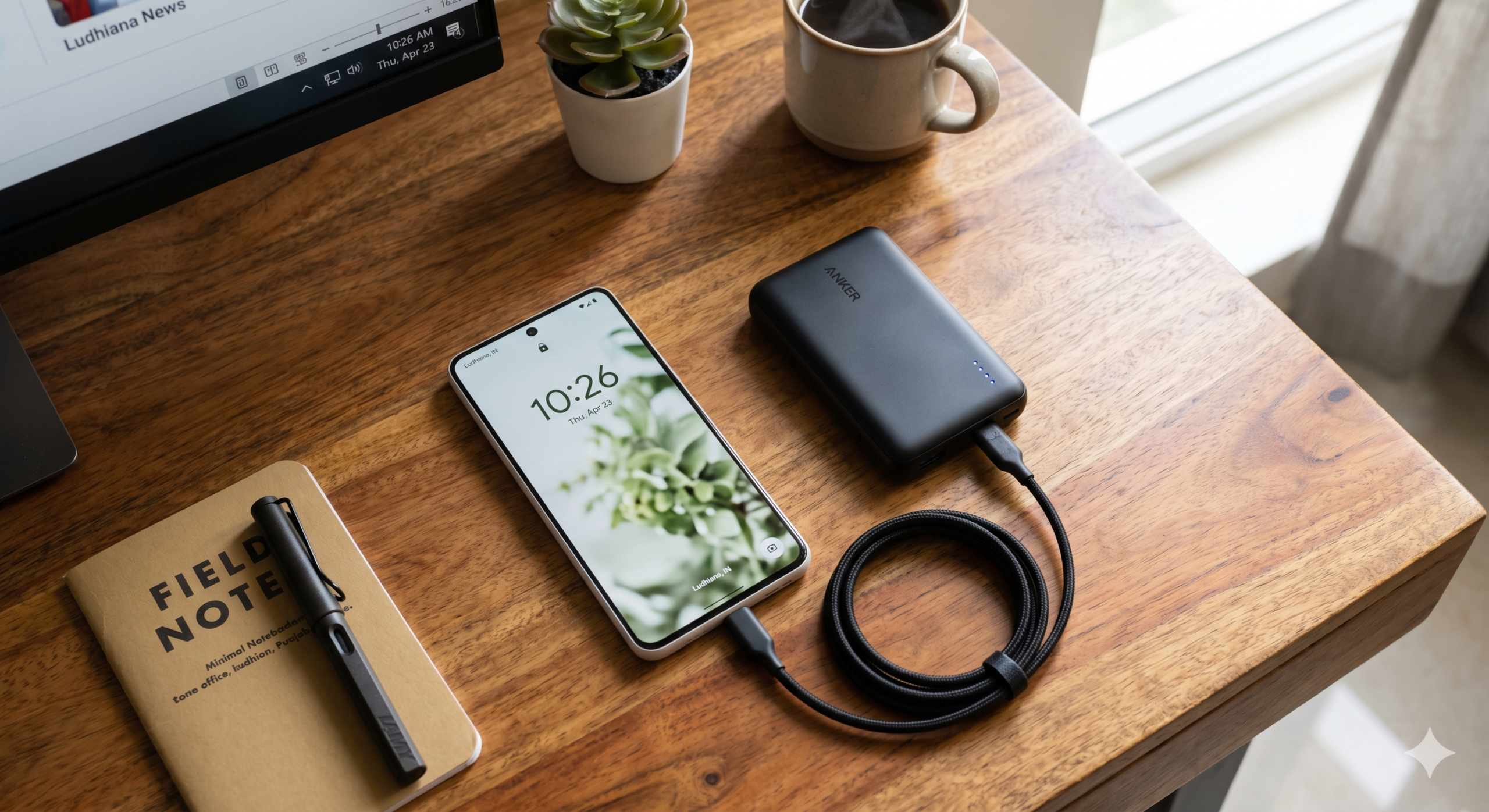
Stuck with a dying Pixel? Here are the temporary fixes to help your battery survive the April update bug until Google releases a formal fix.
Until Google releases the anticipated May fix, Pixel owners need a survival strategy. While there is no “perfect” fix, these steps have helped users reclaim a few hours of life:
Restrict Background Apps: Go to Settings > Battery > Battery Usage and manually restrict apps with high background activity.
Disable “Always On” Display: This prevents unnecessary screen-wake triggers.
Use Extreme Battery Saver: It’s a drastic measure, but it forces the CPU to throttle down background processes.
Wait for the Patch: Google is expected to roll out a fix in early May. Avoid factory resetting your phone, as users report the bug remains even after a wipe.